

Introduction
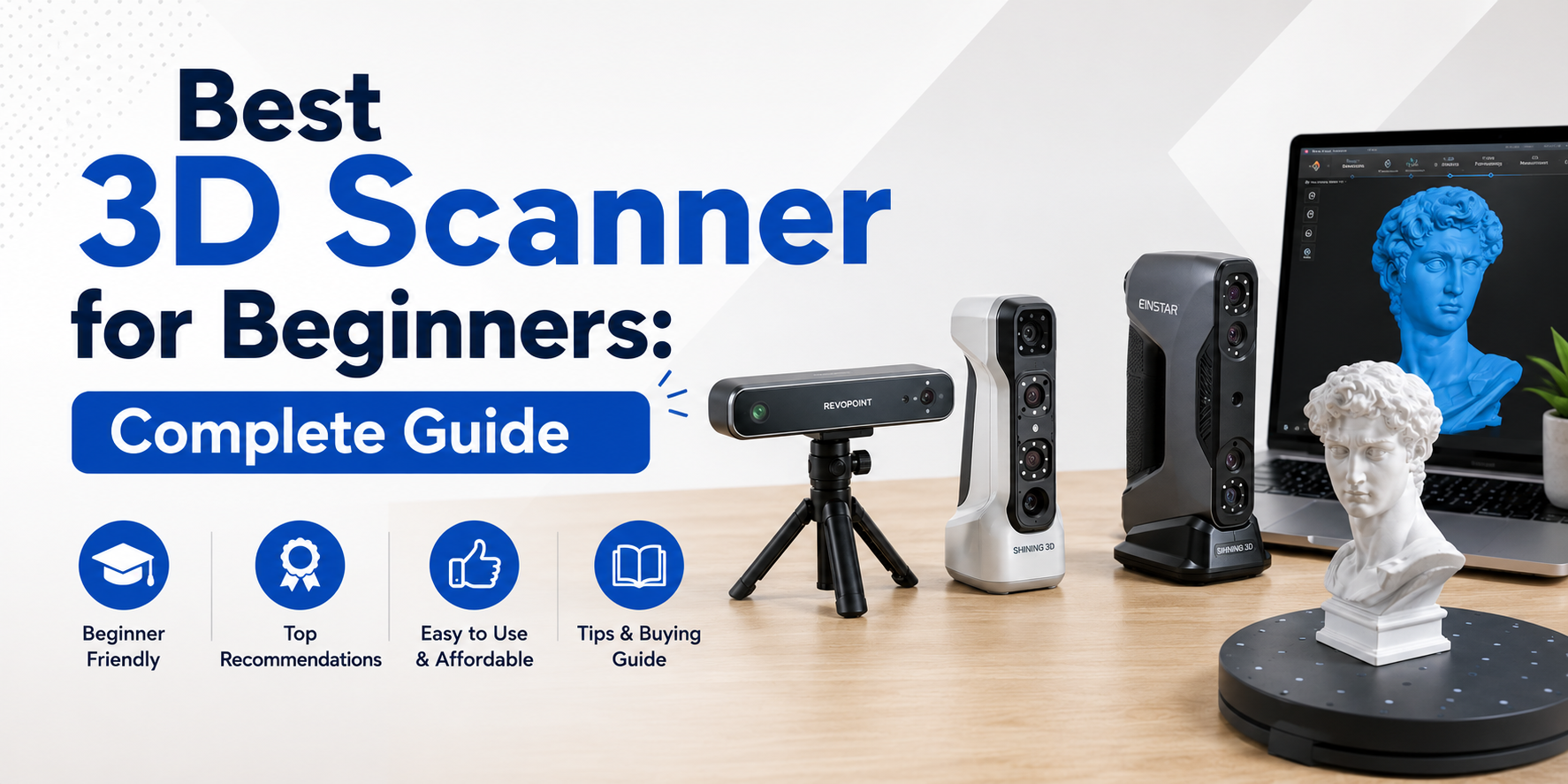
3D scanning is becoming more popular every day. From hobbyists to students and designers, many people are now using 3D scanners to turn real objects into digital models. If you are just starting, choosing the best 3D scanner for beginners can feel confusing. There are many options, features, and technologies to understand.
The good news is that beginner-friendly 3D scanners are designed to be simple, easy to use, and efficient. You don’t need advanced technical skills to get started. With the right guidance, anyone can learn how to scan objects and create 3D models.
In this guide, you will learn everything about 3D scanning for beginners, including how it works, what features to look for, and how to choose the right device for your needs.
What Is a 3D Scanner?
A 3D scanner is a device that captures the shape and details of a real-world object and converts it into a digital 3D model. This model can be used for design, printing, animation, or analysis.
For beginners, understanding the basic concept is enough to get started. You don’t need to learn complex engineering terms at the beginning.
Key points:
- A 3D scanner captures physical objects digitally
- It creates models that can be edited or printed
- It works with software to process scanned data
Most modern scanners are designed to be user-friendly, making them ideal for beginners and students.
Types of 3D Scanners for Beginners
Choosing the right type is important when looking for the best beginner friendly 3D scanner. Each type has its own advantages and use cases.
1. Handheld 3D Scanner
Handheld scanners are portable and easy to move around objects. They are ideal for beginners because they are simple and flexible.
They allow you to scan objects from different angles without needing a fixed setup. This makes them perfect for learning and experimenting.
Key features:
- Lightweight and portable
- Easy to use
- Suitable for small and medium objects
2. Desktop 3D Scanner
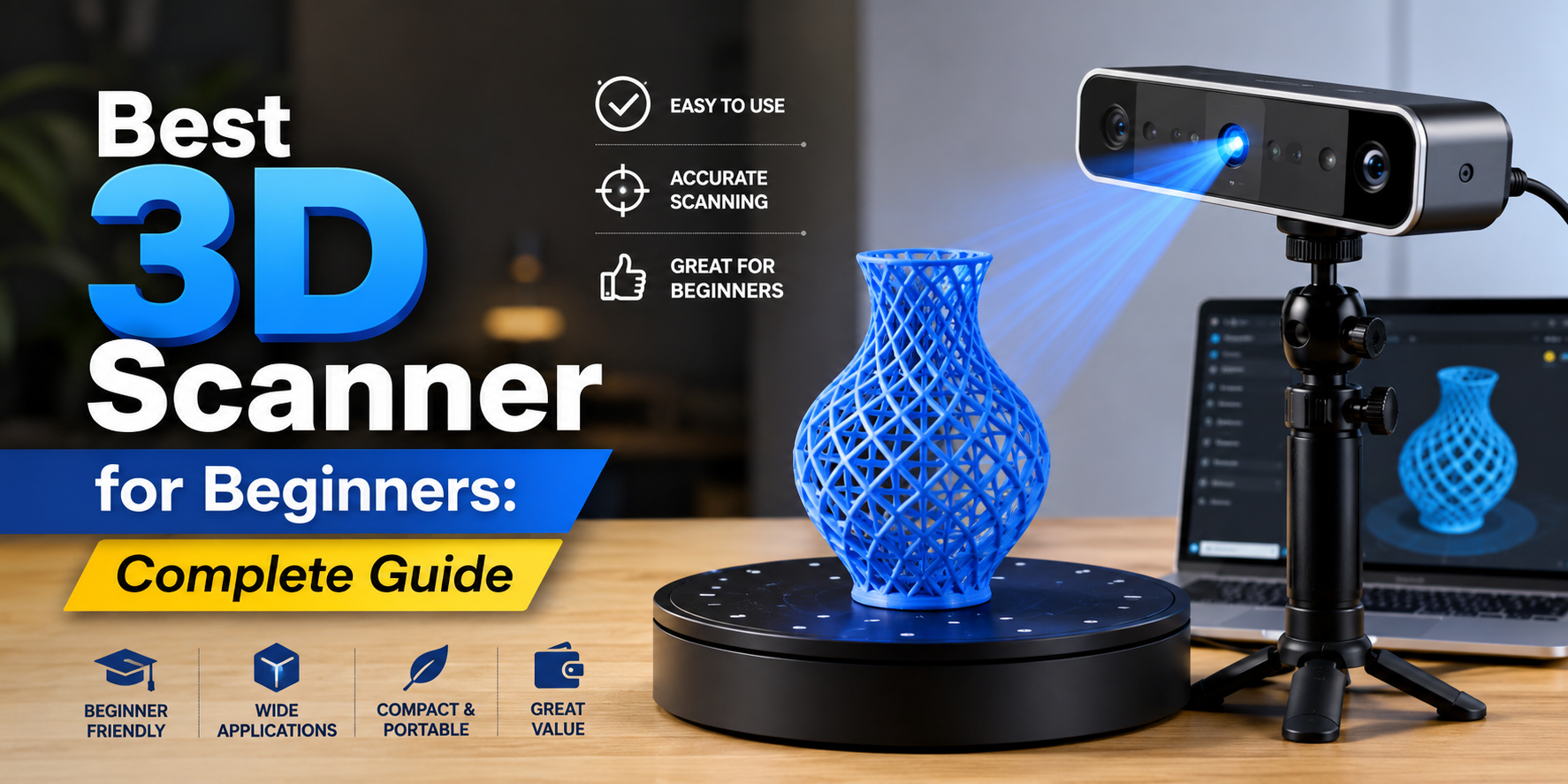
Desktop scanners are fixed devices that usually come with a turntable. You place the object on the platform, and the scanner captures it automatically.
They are good for beginners who want consistent and stable results.
Key features:
- Automatic scanning process
- High accuracy
- Best for small objects
3. Portable 3D Scanner
Portable scanners combine flexibility with performance. They are widely used by beginners because they are easy to carry and operate.
They are ideal for users who want to scan objects in different locations.
Key features:
- Easy to transport
- Flexible scanning
- Good for creative projects
Features to Look for in the Best 3D Scanner for Beginners
When choosing your first scanner, focus on features that make learning easier. You don’t need advanced functions at the start.
A beginner-friendly device should be simple, reliable, and efficient.
Important features:
- Easy setup and user interface
- Lightweight and portable design
- Good accuracy for basic projects
- Compatibility with software
- Fast scanning speed
These features help you learn quickly and avoid frustration.
Benefits of Using a 3D Scanner
3D scanners offer many benefits, especially for beginners who want to explore digital creation.
They open up new possibilities in design, education, and creativity.
Main benefits:
- Turn real objects into digital models
This allows you to store, edit, and reuse objects in a digital format. - Improve design and creativity
You can experiment with designs and bring your ideas to life easily. - Save time compared to manual modeling
Scanning is faster than creating models from scratch. - Easy integration with 3D printing
You can quickly move from scanning to printing without extra steps. - Useful for learning and projects
Great for students, hobbyists, and professionals starting out.
Using a 3D scanner can make your workflow faster and more efficient.
Common Uses of 3D Scanners for Beginners
3D scanning can be used in many areas. Beginners can explore different fields and find what works best for them.
Popular uses:
- Art and design projects
Artists can digitize sculptures and creative work easily. - Educational learning
Students can explore real-world objects in digital form. - Hobby and DIY projects
Great for experimenting and building creative ideas at home. - Product design
Helps in creating and improving product prototypes. - Small object scanning
Ideal for scanning tools, toys, and everyday items.
These use cases make 3D scanning a versatile and exciting skill.
Tips for Beginners Using a 3D Scanner
Starting with a new device can be challenging, but simple tips can help you learn faster.
Focus on practice and understanding basic techniques.
Helpful tips:
- Start with simple objects
- Use proper lighting conditions
- Keep the scanner steady
- Practice scanning from different angles
- Learn basic software tools
These steps will improve your results and confidence.
Common Mistakes Beginners Should Avoid
Many beginners make small mistakes that affect their results. Knowing these mistakes can help you avoid them.
Common mistakes:
- Scanning too fast
This can cause missing details and poor quality. - Bad lighting
Poor lighting affects scanning accuracy. - Complex objects at start
Start simple before moving to detailed objects. - Skipping calibration
Calibration ensures better performance. - Ignoring software
Editing is important for final results.
Avoiding these mistakes will make your learning process smoother.
How to Choose the Right 3D Scanner
Choosing the best 3D scanner for beginners depends on your needs and goals.
Think about what you want to scan and how you plan to use the scanner.
Things to consider:
- Type of objects you want to scan
- Budget and features
- Ease of use
- Portability
- Software compatibility
Making the right choice will help you get better results.
If you want to explore more tools and devices, you can check this electronics category for more help.
This page includes a variety of electronics and tools that support creative and technical projects.
For users specifically interested in professional 3D scanning solutions, you can also explore 3dmakerpro. This page provides updated information and savings opportunities on advanced 3D scanners, helping beginners and professionals access high-quality scanning technology more easily.
Future of 3D Scanning for Beginners
3D scanning technology is improving rapidly. Devices are becoming more affordable, portable, and easy to use.
This means beginners will have even more opportunities to learn and create in the future.
Future trends:
- AI-powered scanning
Makes scanning faster and more accurate. - Better portability
Devices are becoming smaller and easier to carry. - Improved software
Easier editing and processing of models. - More beginner-friendly tools
Designed specifically for new users.
The future of 3D scanning is bright and full of possibilities.
Conclusion
Choosing the best 3D scanner for beginners does not have to be difficult. By understanding the basics, types, and features, you can make a smart decision and start your journey with confidence.
3D scanning is an exciting technology that allows you to create, design, and explore new ideas. With the right tools and practice, anyone can learn and improve.
Start simple, practice regularly, and enjoy the process of turning real-world objects into digital creations.
FAQs
1. What is the best 3D scanner for beginners?
The best scanner for beginners is one that is easy to use, portable, and offers good accuracy without complex setup.
2. Are 3D scanners easy to use?
Yes, modern 3D scanners are designed to be beginner-friendly with simple controls and software.
3. Can beginners use a 3D scanner for 3D printing?
Yes, beginners can easily scan objects and use the models for 3D printing.
4. What is the easiest type of 3D scanner to use?
Handheld and portable 3D scanners are usually the easiest for beginners.
5. Do I need special software for 3D scanning?
Most scanners come with compatible software, so beginners don’t need advanced tools initially.
6. What can I scan with a beginner 3D scanner?
You can scan small objects, models, artwork, and simple items for learning and projects.
7. How long does it take to learn 3D scanning?
Basic scanning can be learned in a few hours, but improving skills takes practice.
8. Is 3D scanning expensive for beginners?
There are many affordable options available, making it accessible for beginners.

 Apparel
 Art & Craft
 Artificial Intelligence
 Automotive
 Baby & Toddlers
 Bags & Luggage